Flowtify is your AI-native knowledge and creation workspace

Read, research, organize knowledge, and create

Bring feeds, notes, Knowledge Wiki, deep research, and creation tools into one workspace so AI can filter information, structure knowledge, and help you produce work.

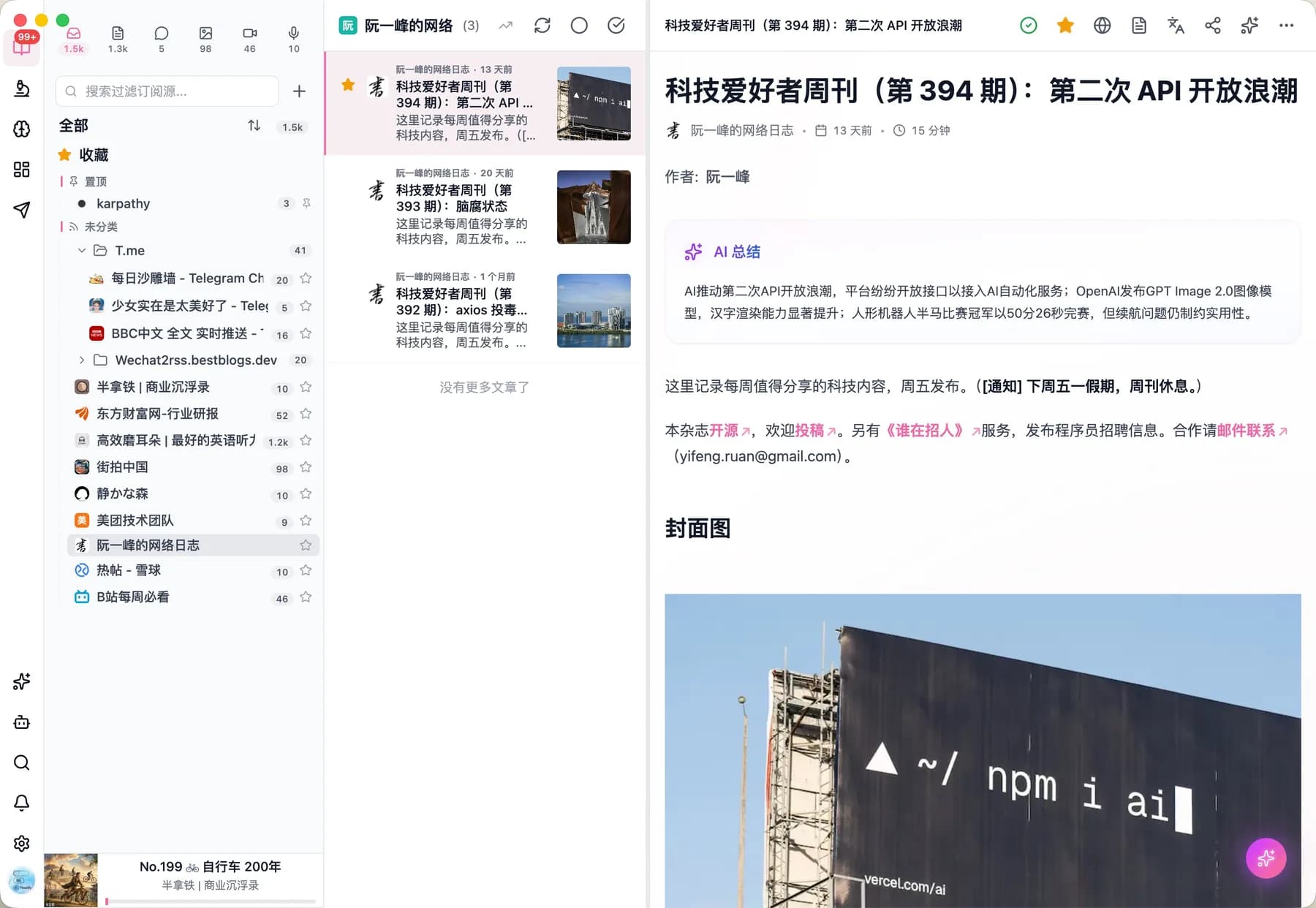
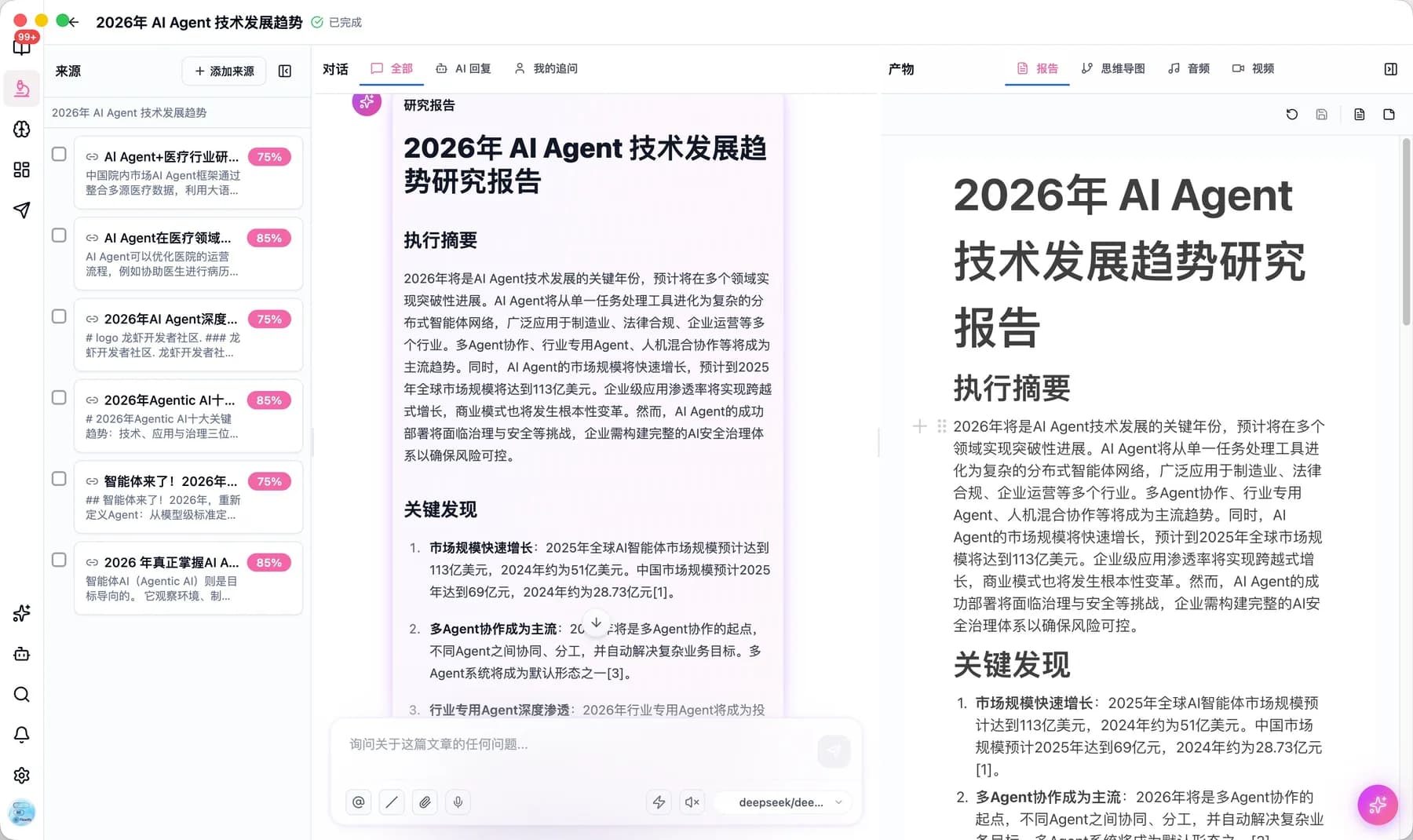
Flowtify feed reader screen with an AI summary panel on the right

Bring scattered sources into one reading inbox and extract the useful parts as you go.

From information intake to creative output

Read, research, organize knowledge, write, and create media in one workspace

Multi-source information intake

Support for RSS, podcasts, videos, newsletters, and more

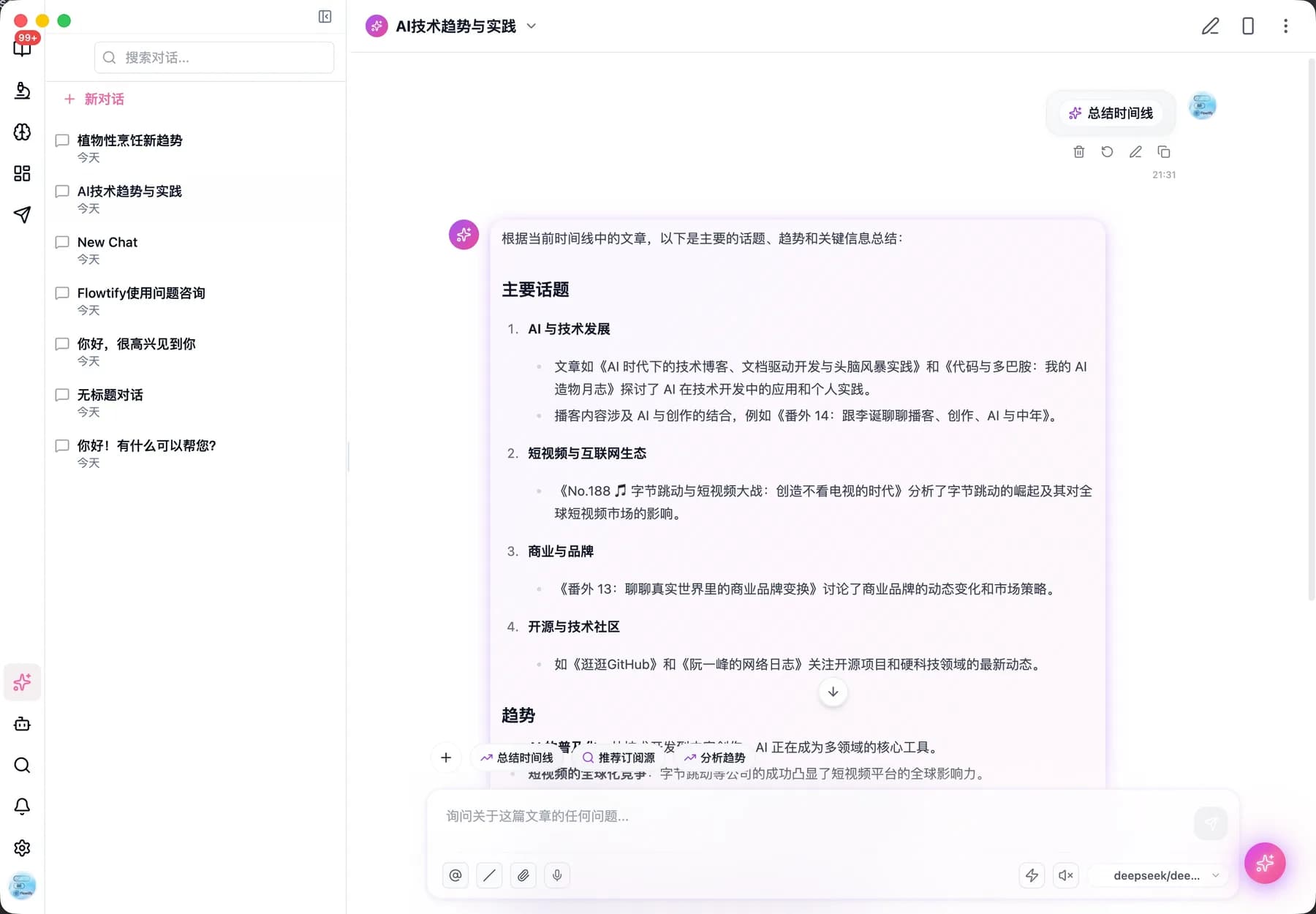
AI-Powered Assistant

Summarize, translate, research, organize, and create with AI assistance

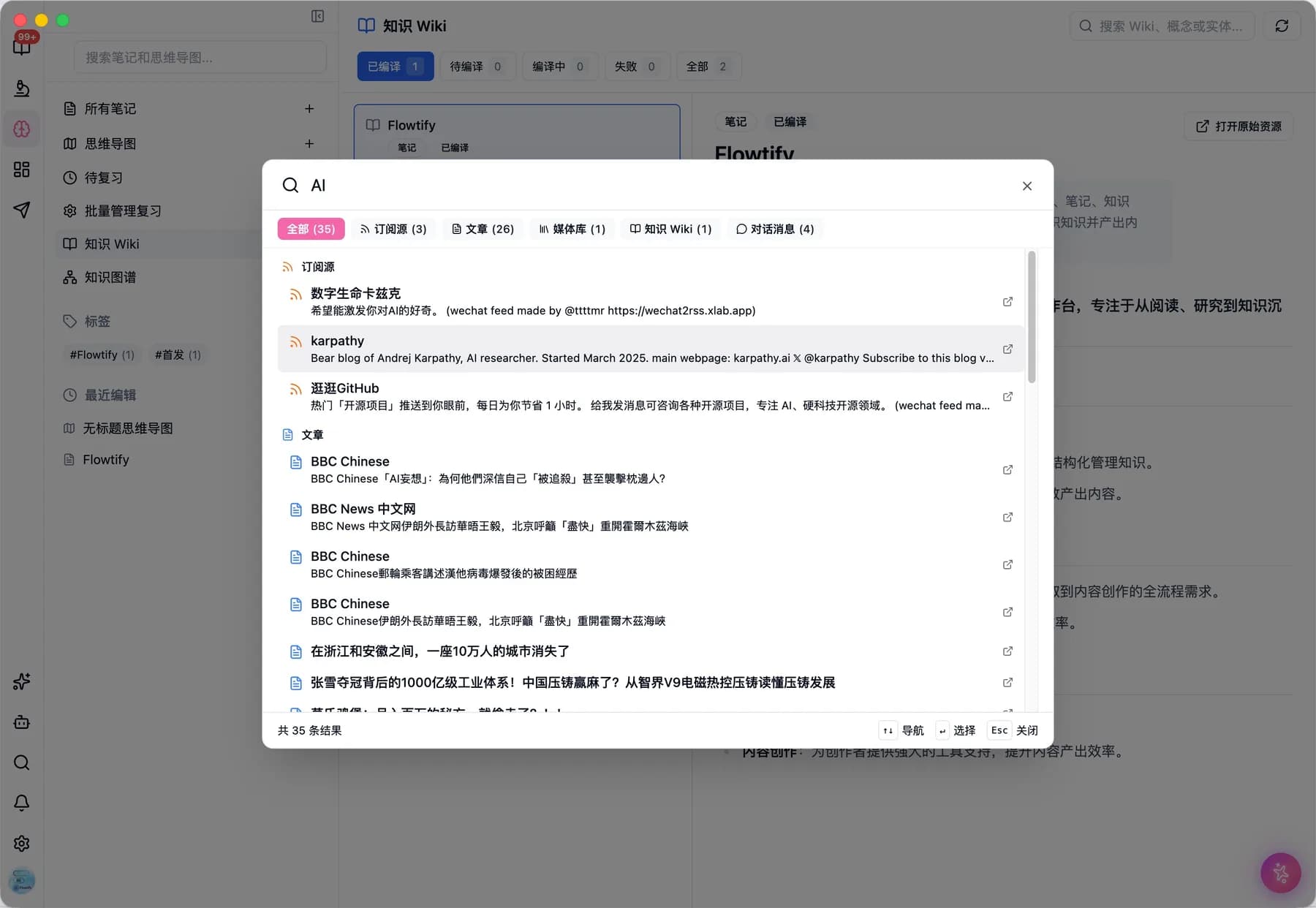
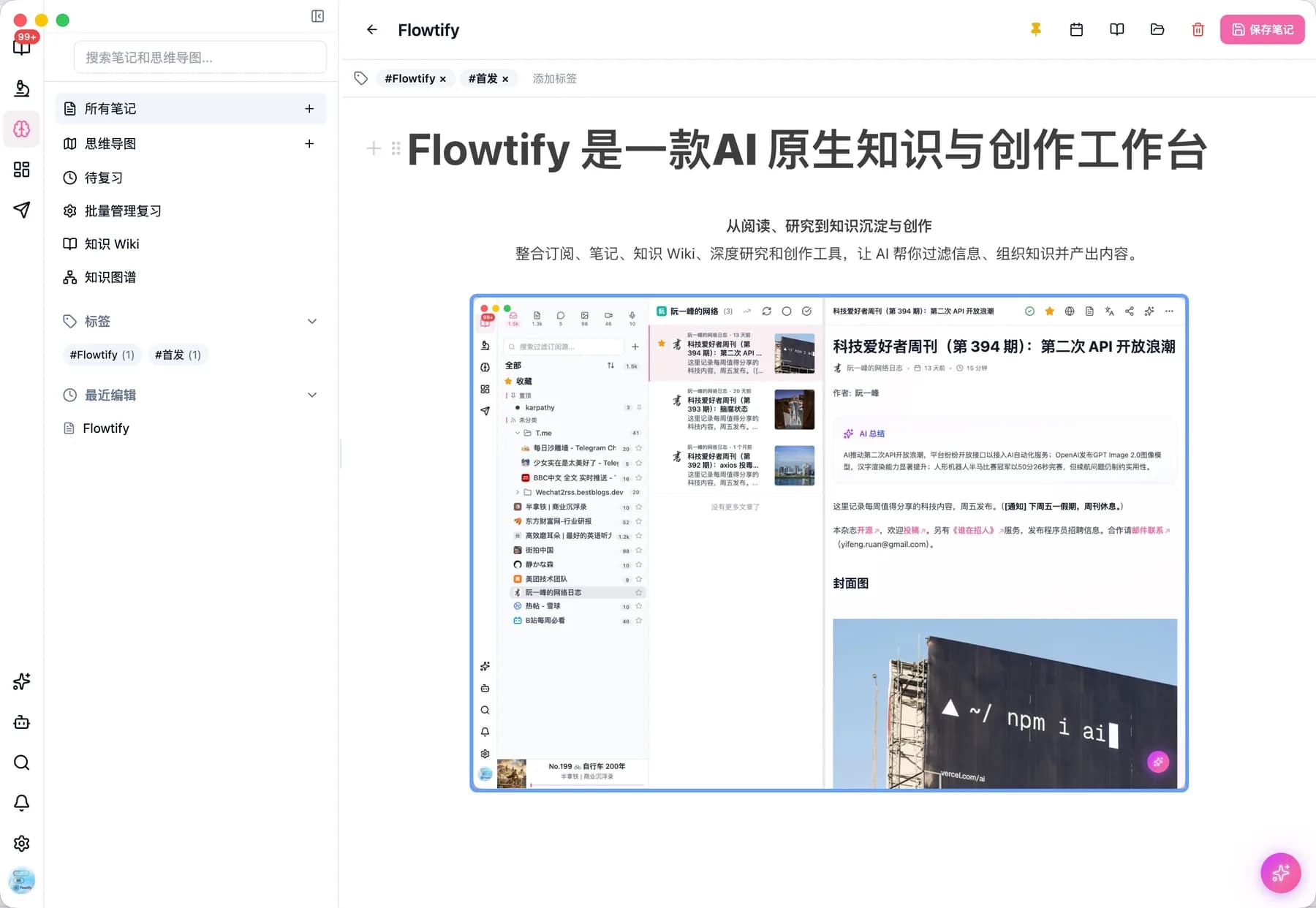
Knowledge workspace

Connect notes, Knowledge Wiki, knowledge graph, and review for long-term learning

Controlled data and access

Keep clear boundaries around team materials, model choices, and workflow configuration

Cross-Platform Sync

Seamless sync across Desktop, Web, and Mobile

Highly Customizable

Customize layout, themes, AI models - create your unique experience

CLI and Agents

Connect Flowtify to the terminal and AI agents

After browser authorization, the CLI can access feeds, entries, notes, AI chat, Knowledge Wiki, MCP, and video projects. It can be installed independently and exposes a public Skill file for agents.

Browser authorization

A local callback completes login without handing passwords or tokens to agents.

Core coverage

Common commands are built in, and the generic API command covers the rest.

Agent-ready

The public SKILL.md explains installation, authorization, and safe usage.

flowtify-cli

One-line install

curl -fsSL https://flowtify.app/install-cli.sh | sh

Agent Skill URL

https://flowtify.app/agent-skills/flowtify-cli/SKILL.md
flowtify ai askflowtify knowledge wikiflowtify export bundleflowtify media uploadflowtify mcp toolsflowtify api GET /api/search
Workflow examples

Turn information overload into reusable creative assets

See how different roles bring feeds, notes, research, and creation into one workflow.

Aze

Tech media creator

I used to choose topics by digging through bookmarks. Now I scan recurring themes in my feeds, then ask AI to list opposing views and the strongest evidence.

Workflow: Subscribe to industry sources, collect signals, generate outlines and short video scripts.

Value: Materials are no longer scattered across tabs, notes, and chat windows.

Lin

Industry analyst

Traceability matters most to me. Flowtify keeps summaries, disagreements, and sources together, so a weekly report does not become smooth text with no evidence.

Workflow: Collect news, reports, and company blogs, then organize them into Knowledge Wiki topics.

Value: One research base can become an internal brief, client email, or public explainer.

Moyu

Podcast producer

Before interviews, I gather guest articles and discussions, then let AI map the timeline, tensions, and follow-up angles. It feels closer to research than prep work.

Workflow: Collect guest material, extract themes, and draft interview outlines.

Value: Each episode leaves behind a structured pack that can become posts or video clips.

Xiaoman

Graduate student

Papers, course notes, and news used to live in separate systems. Now I summarize while reading and link key concepts into a Wiki for review.

Workflow: Subscribe to courses, papers, and news, annotate while reading, and connect concepts in the Wiki.

Value: Review starts from relationships and context, not from rereading everything.

Beiqiao

Product manager

I need to watch user feedback, competitors, and technical trends at the same time. The value is not another AI summary, but a reusable thinking frame.

Workflow: Group materials by product theme and extract assumptions, evidence, and trade-offs.

Value: Product discussions start with context, evidence, and clearer options.

Qingshi

Internal knowledge base owner

We care about access control and consistent workflows for team materials. Flowtify brings model choice, material management, compilation, and search into one process.

Workflow: Connect team sources, configure models and permissions, and standardize the material workflow.

Value: The team can explore AI knowledge management with clearer boundaries and less duplicated work.

Ready to Get Started?

Open the web app to start reading, organizing, and creating. Install the desktop app when you need system notifications and tray access.

Flowtify - AI 原生知识与创作工作台